
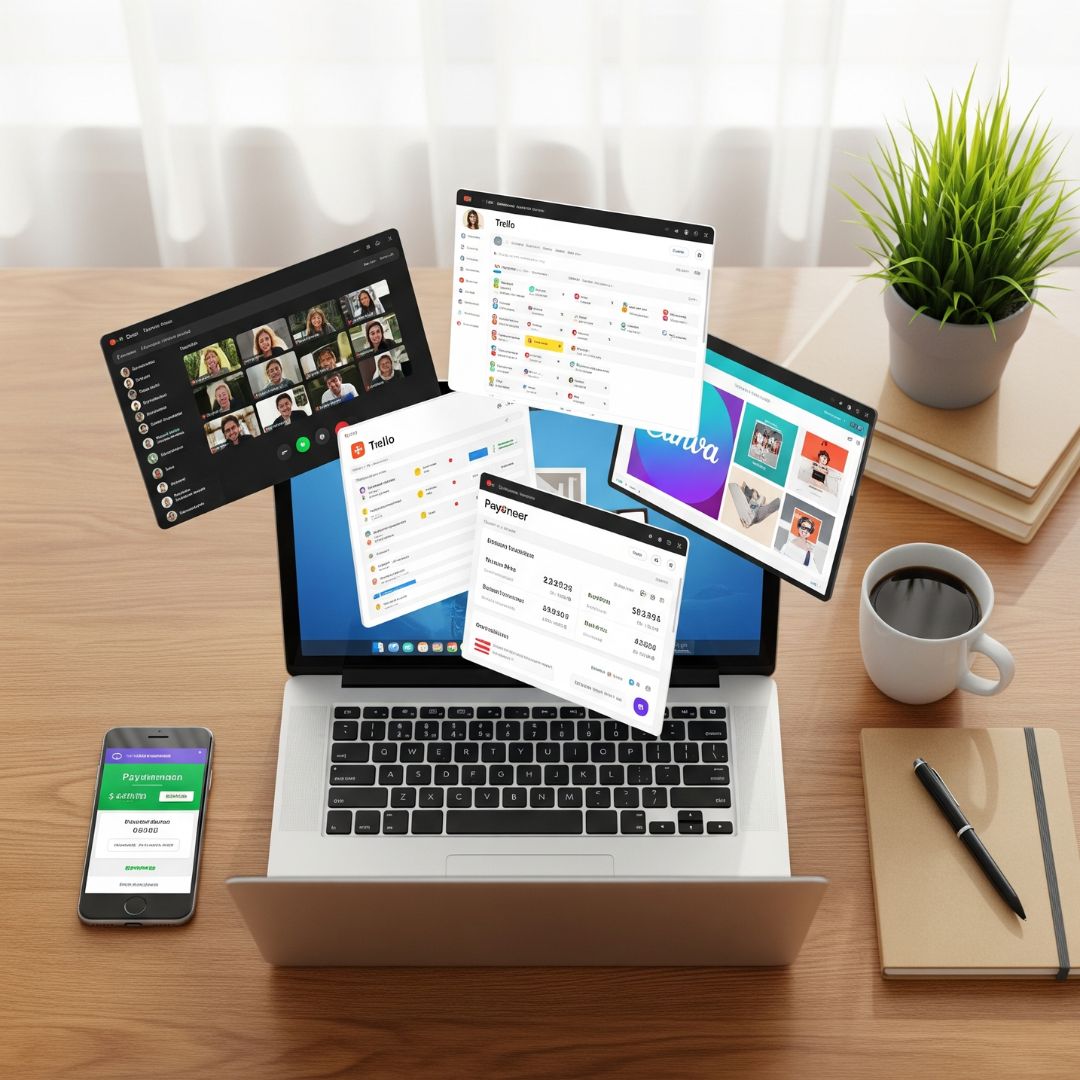
Best tools for beginner freelancers can make the difference between a smooth start and a frustrating first few months. As a new freelancer, it’s easy to get overwhelmed by all the apps, platforms, and software options out there — but you don’t need everything at once. You just need a reliable set of simple, beginner-friendly tools to help you communicate clearly, stay organized, and get paid on time.
This guide covers the best tools for beginner freelancers in Pakistan and beyond — from communication apps like Skype and Zoom to project management boards like Trello, plus payment setups like Payoneer — so you can start your freelance career with confidence and professionalism.
1. Communication Tools Every Beginner Needs
Clear, professional communication is one of the most important skills for freelancers, and the right tools make it easier.
a) Zoom
- Best for: Video conferencing, webinars, and screen sharing.
- Why it matters: Popular with clients worldwide for meetings, interviews, and training sessions.
- Tip: Test your camera and microphone before every call.
b) Google Meet
- Best for: Quick, no-download video meetings.
- Why it matters: Runs in your browser, integrates with Google Calendar, and is easy for clients to join.
c) Microsoft Teams
- Best for: Professional communication, team collaboration, and video calls.
- Why it matters: Increasingly used by corporate clients as a secure, all-in-one platform for messaging, file sharing, and meetings.
- Tip: Install the desktop or mobile app for smoother performance compared to the browser version.
2. Project and Task Management Tools
Staying organized is critical, and some of the best tools for beginner freelancers are simple task managers.
a) Trello
- Best for: Visual boards to track tasks and deadlines.
- Why it matters: Easy to use, free, and great for collaboration.
- Tip: Create boards with “To Do – Doing – Done” columns.
b) Asana
- Best for: Managing multiple projects or larger jobs.
- Why it matters: Helps track progress and prioritize tasks.
- Tip: Use tags and categories for better workflow.
c) Google Calendar
- Best for: Scheduling meetings and deadlines.
- Why it matters: Sends reminders and syncs across devices.
3. File Sharing and Storage
A good file-sharing setup is part of the best tools for beginner freelancers list.
a) Google Drive
- Best for: Storing and sharing project files.
- Why it matters: Free with your Gmail account and easy to organize.
b) Dropbox
- Best for: Large file transfers and team collaboration.
- Why it matters: Widely trusted for file security.
4. Payment Setup Tools
Without a proper payment system, you can’t run a freelance business — especially if you work with international clients.
a) Payoneer
- Best for: Receiving payments from global freelance platforms.
- Why it matters: Fully supported in Pakistan and integrated with Fiverr, Upwork, and more.
b) Bank Account
- Best for: Local deposits and transfers.
- Why it matters: Essential for withdrawing funds from Payoneer or Elevate.
c) Elevate
- Best for: Receiving payments from platforms like PayPal (via linked US bank account) and global clients.
- Why it matters: Gives Pakistani freelancers a US bank account to receive payments from services not directly available in Pakistan, with low fees and easy transfers to local banks.
5. Basic Finance Tracking
Even at the start, part of the best tools for beginner freelancers list is a way to track income and expenses.
- Best for: Free invoicing and expense tracking.
- Why it matters: Makes you look professional with branded invoices.
b) Google Sheets or Excel
- Best for: Custom income logs.
- Tip: Keep a monthly record for budgeting and taxes.
6. Branding and Professional Presentation
Looking professional from day one can help you win more clients.
a) Canva
- Best for: Creating social media posts, proposals, and portfolio visuals.
- Why it matters: No design skills required.
b) Grammarly
- Best for: Polishing grammar and tone in emails and proposals.
- Why it matters: Builds credibility and professionalism.
Beginner Pro Tips
- Start small — master a few tools before adding more.
- Integrate tools — connect your calendar, email, and task manager.
- Test before use — especially communication tools before client calls.
- Upgrade later — move to advanced tools only as your needs grow.
Bottom line: The best tools for beginner freelancers aren’t the most expensive — they’re the ones that make your work smoother, help you communicate clearly, and ensure you get paid on time. Start with this toolkit, and you’ll be ready to work with clients professionally from day one.